Time tracking without the friction
TurtleTime is a calm, focused time tracker for teams. Start timers, organise projects, and understand where your hours go — without the bloat of complex timesheets.
Built for calm, focused work
No noise, no spreadsheets. Just a simple way to capture time, manage projects, and see where effort goes.
Start timers in one click
The weekly tracker shows your whole week at a glance. Start a timer, pick a project, and get back to work. Your timesheet builds itself as you go.
- One-click start and stop timers
- Day and week views
- Running total and weekly goals
Organise projects and budgets
Group time under projects and clients. See hours logged per project so you can keep budgets visible and invoices accurate.
- Project and client lists
- Hours per project at a glance
- Tides-linked project badges
Understand team effort
Reports break down hours by project, person, or date range. Spot trends, check utilisation, and export data when you need to share it.
- Project and people reports
- Weekly and monthly rollups
- Export-ready summaries
Journal
Why TurtleTime, next to Harvest and Toggl.
The long comparison lives on ShellStack so the suite argument stays in one place. These are the pieces that matter here.
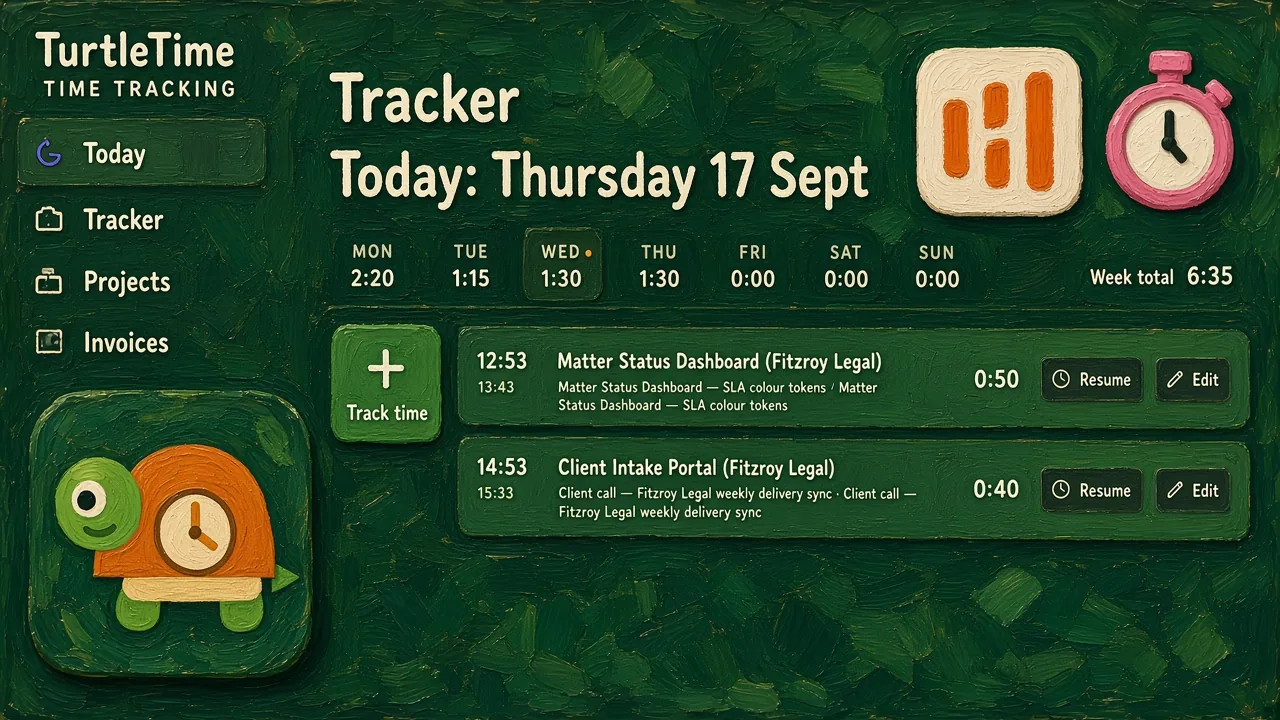
Toggl is a stopwatch. Harvest invoices. We wanted both, on the card.
The nicest timer, the cheapest seats, or the hour that becomes an invoice. We took the third one and pointed it at Tides.
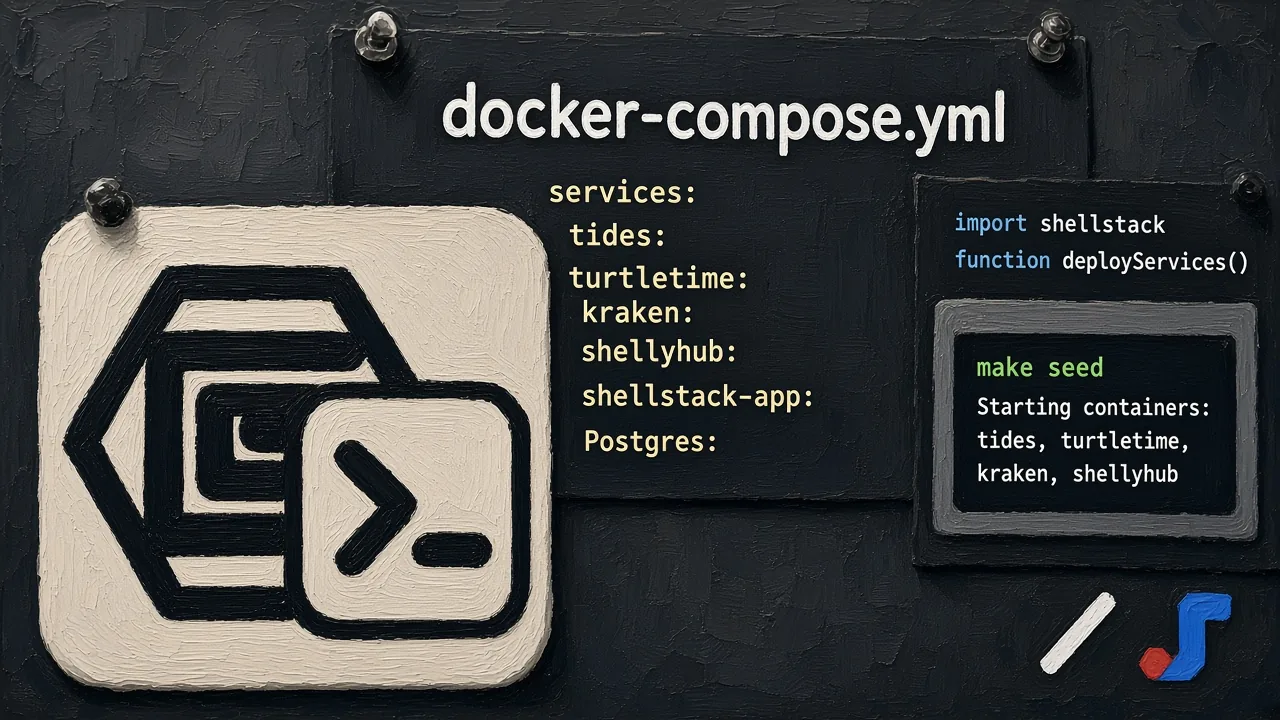
You can read this software. That is the point.
Linear is closed. Jira Cloud is someone else’s attic. The suite is software you can run.
Part of the ShellStack suite
TurtleTime shares a workspace with Tides and Kraken. Track time on Tides tasks and keep project knowledge close to the work in Kraken.
One-click timers
Start and stop timers from the weekly tracker view.
Weekly timesheets
See your whole week and fill gaps quickly.
Project budgets
Track hours against projects and clients.
Team reports
Export summaries by person or project.